Your headquarters for doing business with hospitals.
One software for the service, sales and paperwork of companies that work with hospitals. Devices, tickets, email, contracts, tenders and clients in one place, with AI doing the reading.
Appmedica HQ is a platform for doing business with hospitals. It brings customers, devices, tickets, projects, contracts and tenders together. Instead of searching inboxes and spreadsheets, your team works from a shared customer and case history — from the first conversation to delivering on your commitments.
Tickets in a mailbox, devices in a spreadsheet, contracts in folders, tenders on a drive, clients in someone's head. Every question means opening several tools and asking around. HQ brings that information into one shared headquarters.
01
Connect the information
One record per client, device and contract. Link them to documents and correspondence so every case gets its full context.
02
Organise the work
Turn emails into tickets, assign tasks and plan project stages. Every email, status change and file stays on the case it belongs to.
03
Keep work moving
Salespeople, coordinators and technicians share the same history. Anyone on the team can pick up where someone else left off — without collecting information again.
For whom
Working with hospitals? This is your HQ.
For all businesses and teams working with hospitals — supplying equipment, providing service, delivering projects or managing contracts. Whether you are in the field, talking to a customer or coordinating the business, you need the same up-to-date information. HQ brings these perspectives into one shared workflow.
Service companies
Distributors & manufacturers
Service providers
Project teams
01 / 04
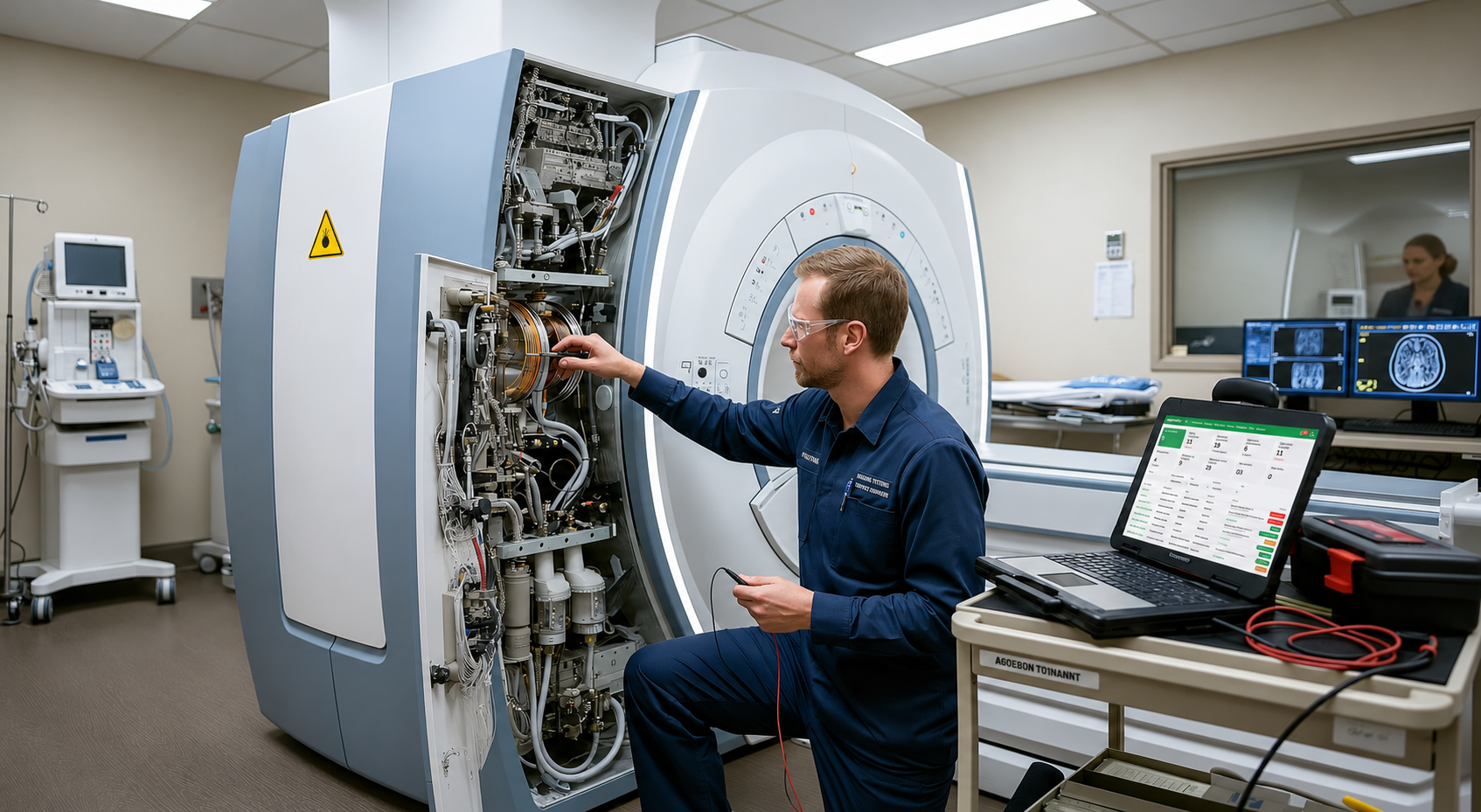
For technicians & service engineers
Less searching. More time to solve the problem.
A ticket needs context: which device, what happened before and which contract covers it. HQ brings that information together, so it does not stay buried in an inbox or with another team member.
Device history, location and documentation together
Tickets linked to devices and contract coverage
Product manuals available on associated devices
For managers & coordinators
A shared view of work, not a round of status questions.
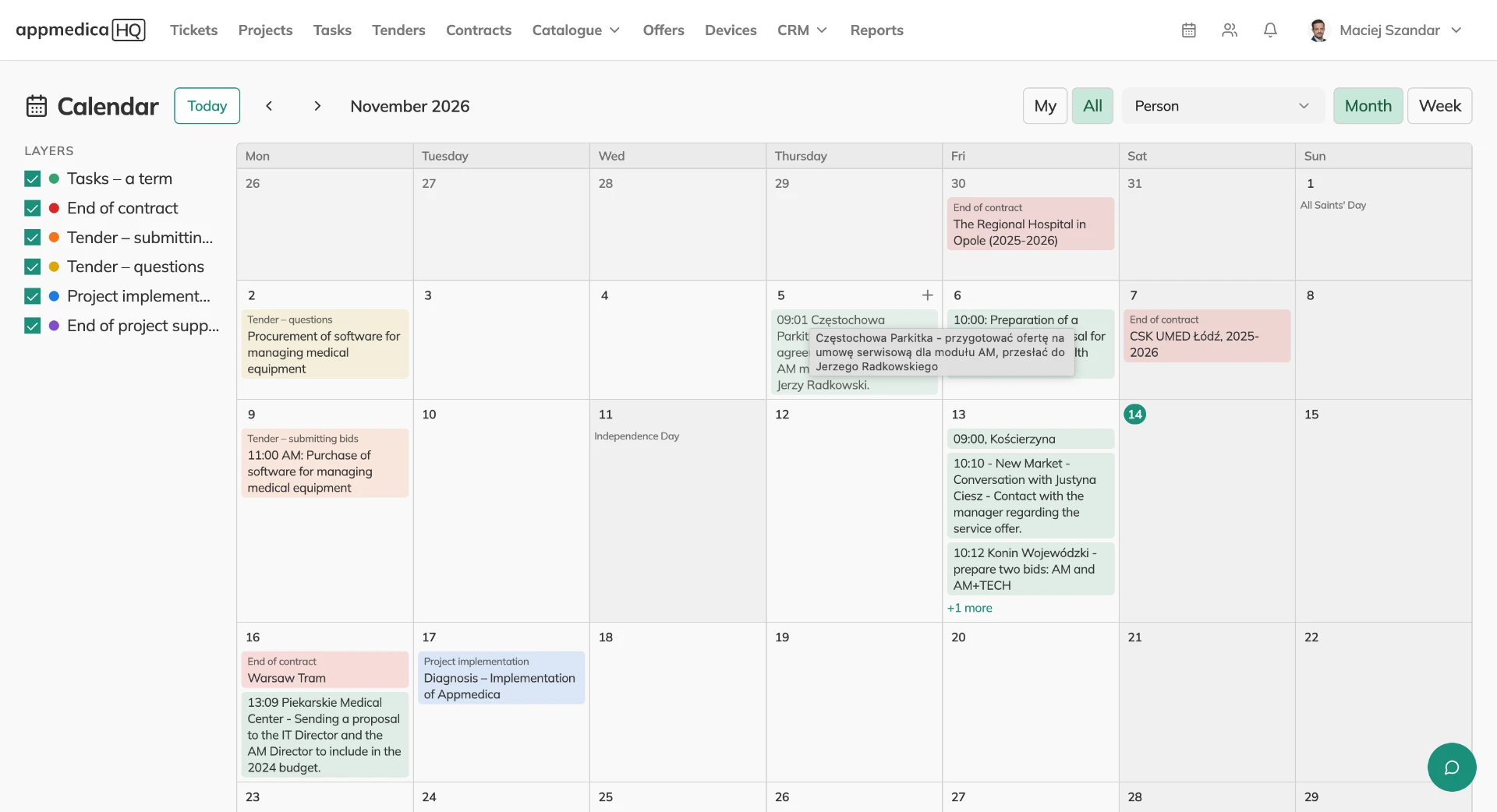
When many cases are moving at once, commitments and deadlines need to be visible. HQ connects tickets, projects and contracts to support coordination and handovers without losing context.
Ticket statuses and SLA deadlines
Project stages and dates on a Gantt chart
Contracts linked to customers and covered devices
For salespeople & account managers
Customer relationships beyond one person’s memory.
Hospital conversations span quotes, purchasing needs and service issues. HQ collects contacts and customer history, so preparing the next meeting or quote does not mean searching multiple sources.
Calls, meetings, emails and notes on a customer timeline
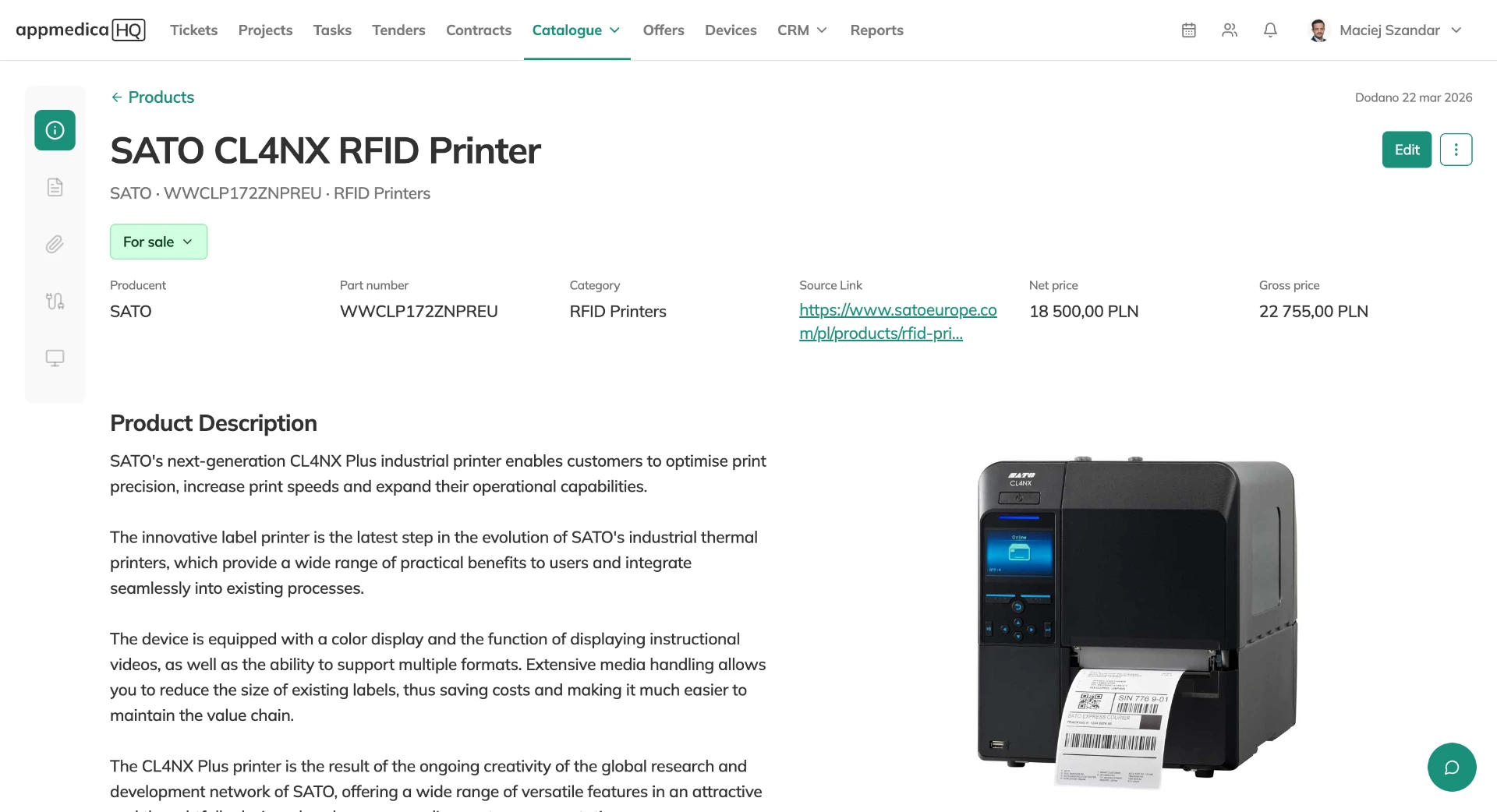
A catalogue of products, parts and documentation
Quotes prepared from Google Docs templates
For tender & contract teams
From buyer requirements to delivering the contract.
Working with hospitals means keeping documents and commitments organised. HQ provides a shared place for tender requirements, files and contracts that become the context for everyday service after signing.
Buyer requirements and documents alongside each tender
Dedicated documentation folders in Google Drive
Contract start and end dates linked to devices
Different roles. One customer. The same history of working together.
Platform
Eight jobs. One HQ.
Every client, ticket, contract and deadline in one connected system. Each area works on its own and gets better with the others.
01
CMMS & asset management
Every device with its serial number, location, warranty, service contract and full history. Print a QR sticker from HQ; anyone at the hospital can scan it and report a fault without an account.
QR stickers and reporting without login
Warranty end calculated from the start date
Device files plus the manuals of its product
AI Answers from the service manual, with the page.
Calls, meetings, emails and notes on one client timeline. Each note has an internal version for the team and an external version ready to send to the client.
Statuses with rules for who can move a ticket where, SLA deadlines that show Met or Missed once a ticket closes, and notifications to the team and the reporter.
Status workflow with required fields
SLA outcome frozen at close
Time, parts and travel logged per ticket
Bulk status change with the same rules
HQ Assistant summarises the ticket and suggests next steps
Connect a Google or Microsoft 365 service mailbox. New emails open tickets, replies join the right ticket, and your answer goes back from the same mailbox in the same thread.
Documents, email, team notifications and automation — connected to your daily work in HQ. Available functions depend on the integration and its configuration.
Google Docs
Generate quotes from your Google Docs templates. HQ fills them with quote and customer data, so you do not have to copy information by hand.
Google Sheets
Read data from Google Sheets and send information from HQ to your spreadsheets, keeping it available across both tools.
Google Drive
Keep tender documents in dedicated Google Drive folders and save generated quotes to the configured Drive folder.
Gmail
Turn emails from a connected Google service mailbox into tickets. Replies join the right case, and answers go back from the same mailbox in the same thread.
Outlook
Connect a Microsoft 365 service mailbox. Incoming messages create tickets, replies are linked to the case, and your team answers from HQ in the original email thread.
Microsoft Teams
Send notifications about tickets, tasks and tenders to a selected Teams channel. Choose the team and channel in the integration settings.
Slack
Deliver HQ notifications to Slack through Incoming Webhooks, with delivery rules configured for your team’s channels.
Jira
Create Jira issues from HQ tickets or link existing issues. Map ticket fields and refresh Jira statuses without leaving the case.
Zapier
Connect external workflows using HQ’s generic notification webhooks. A Zapier Webhook trigger requires a separately configured Zap; there is no dedicated Zapier connector.
n8n
Trigger n8n workflows when records are created, edited or change status. Configure webhooks for tickets, projects, tenders, contracts, devices and tasks, with delivery logs and deadline notification rules.
Your tools. Connected.
Connect other CMMS, CRM or ERP systems through APIs, webhooks and automation workflows. The scope of data exchange depends on the interfaces available in your tool and the integration configuration.
Bring your company into one HQ.
Tell us about your service team — we will get back to you within one business day.